
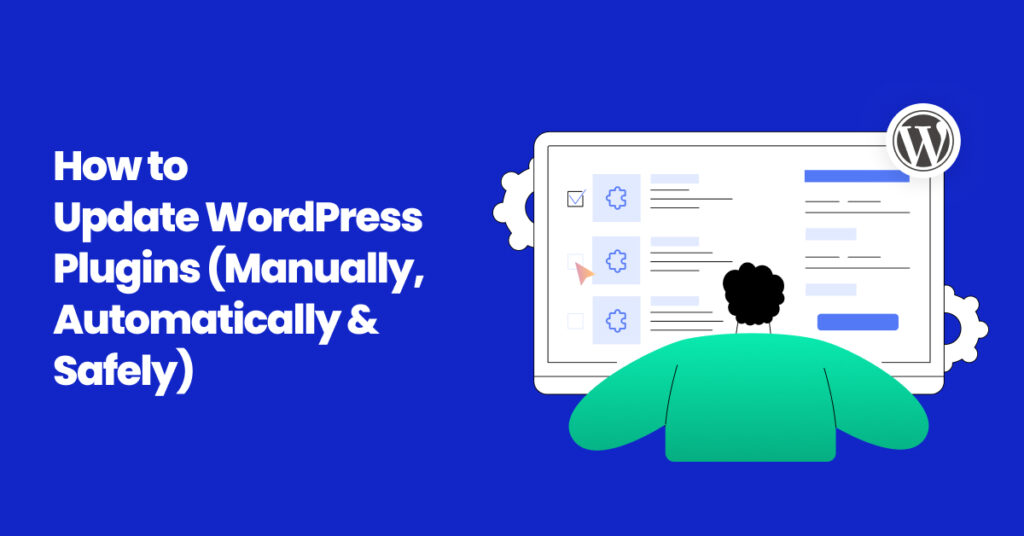
How to Safely Update WordPress Plugins (Without Breaking Your Site)
Keeping your WordPress plugins updated is crucial for security, performance, and compatibility. However, many website owners hesitate to update because they fear something might break. In this guide, we’ll show you safe methods to update WordPress plugins without risking downtime.
Why Updating Plugins is Important
- Security patches protect your site from vulnerabilities.
- Performance improvements ensure faster load times.
- New features enhance your site’s functionality.
- Compatibility fixes prevent conflicts with themes and WordPress core updates.
Step 1: Backup Your Website First
Before updating, always create a full backup of your WordPress site using plugins like UpdraftPlus or BlogVault. This ensures you can restore your site if anything goes wrong.
Step 2: Check Plugin Changelogs
Read the changelog before updating. Developers often mention bug fixes, new features, or compatibility issues.
Step 3: Test Updates in Staging
If your hosting provider (like SiteGround or WP Engine) offers staging sites, test plugin updates there first. This avoids breaking your live site.
Step 4: Update One Plugin at a Time
Never bulk-update all plugins at once. Update them one by one and check your website after each update.
Step 5: Use a Maintenance Plugin
During updates, activate a maintenance mode plugin like SeedProd to show visitors a friendly message instead of errors.
Step 6: Roll Back If Needed
If a plugin update causes issues, use WP Rollback to downgrade to a stable version.
Conclusion
Updating WordPress plugins doesn’t have to be risky. With backups, staging, and smart testing, you can keep your site secure, fast, and stable.
👉 Check out our WordPress Care Plans to get automatic plugin updates and peace of mind.