

How to Speed Up a WordPress Website (Beginner Guide)
Website speed plays a major role in user experience and SEO. However, many WordPress websites load slowly because of poor optimization. As a result, visitors leave early and search rankings drop.
In this guide, you will learn how to speed up a WordPress website using simple, beginner-friendly techniques that actually work.
Why WordPress Speed Matters
A fast WordPress website keeps visitors engaged. Moreover, Google uses page speed as a ranking factor.
Slow websites often cause:
- High bounce rate
- Lower SEO rankings
- Poor user experience
- Lost conversions
Therefore, improving speed is essential for every WordPress site.
👉 For better overall protection, also check WordPress Security
How to Check Your WordPress Website Speed
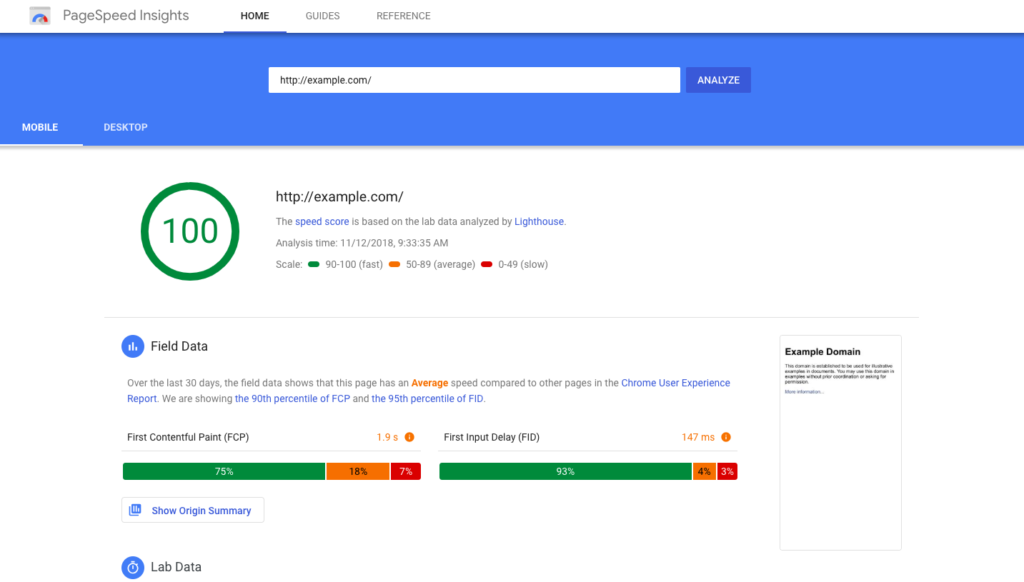
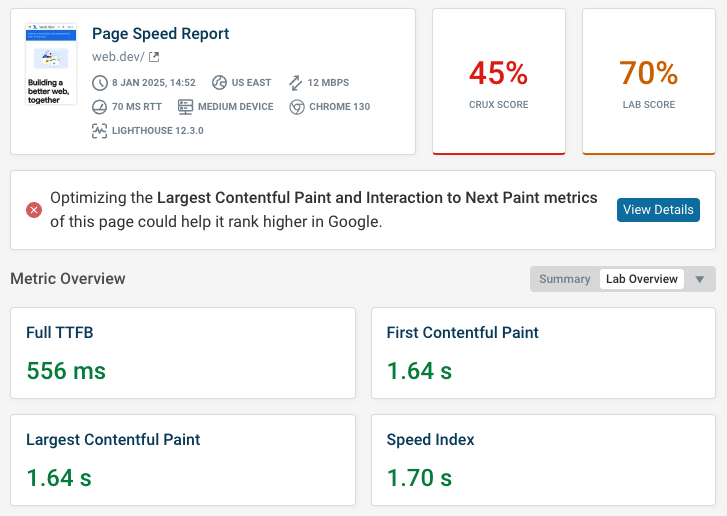
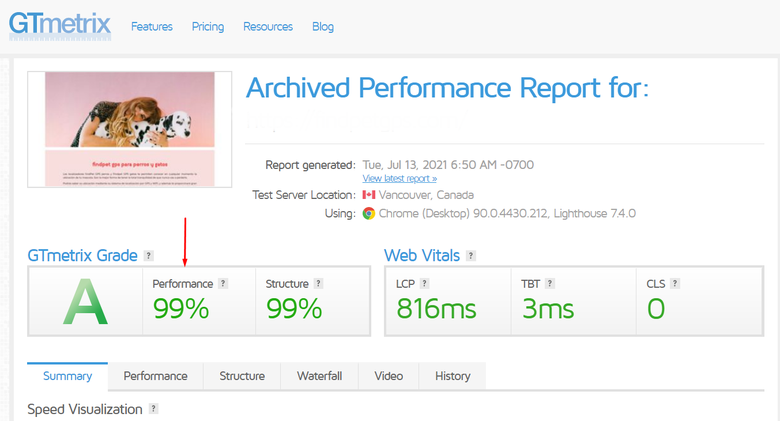
Before optimization, you should test your website speed.
Recommended tools:
- Google PageSpeed Insights
- GTmetrix
- Pingdom
You can test your site using this official tool:
https://pagespeed.web.dev/
Best Ways to Speed Up a WordPress Website

1. Use a Fast and Reliable Hosting
First of all, hosting has a huge impact on website speed. Cheap hosting often results in slow load times.
Choose hosting that offers:
- SSD storage
- Built-in caching
- Latest PHP version
As a result, your site loads faster automatically.
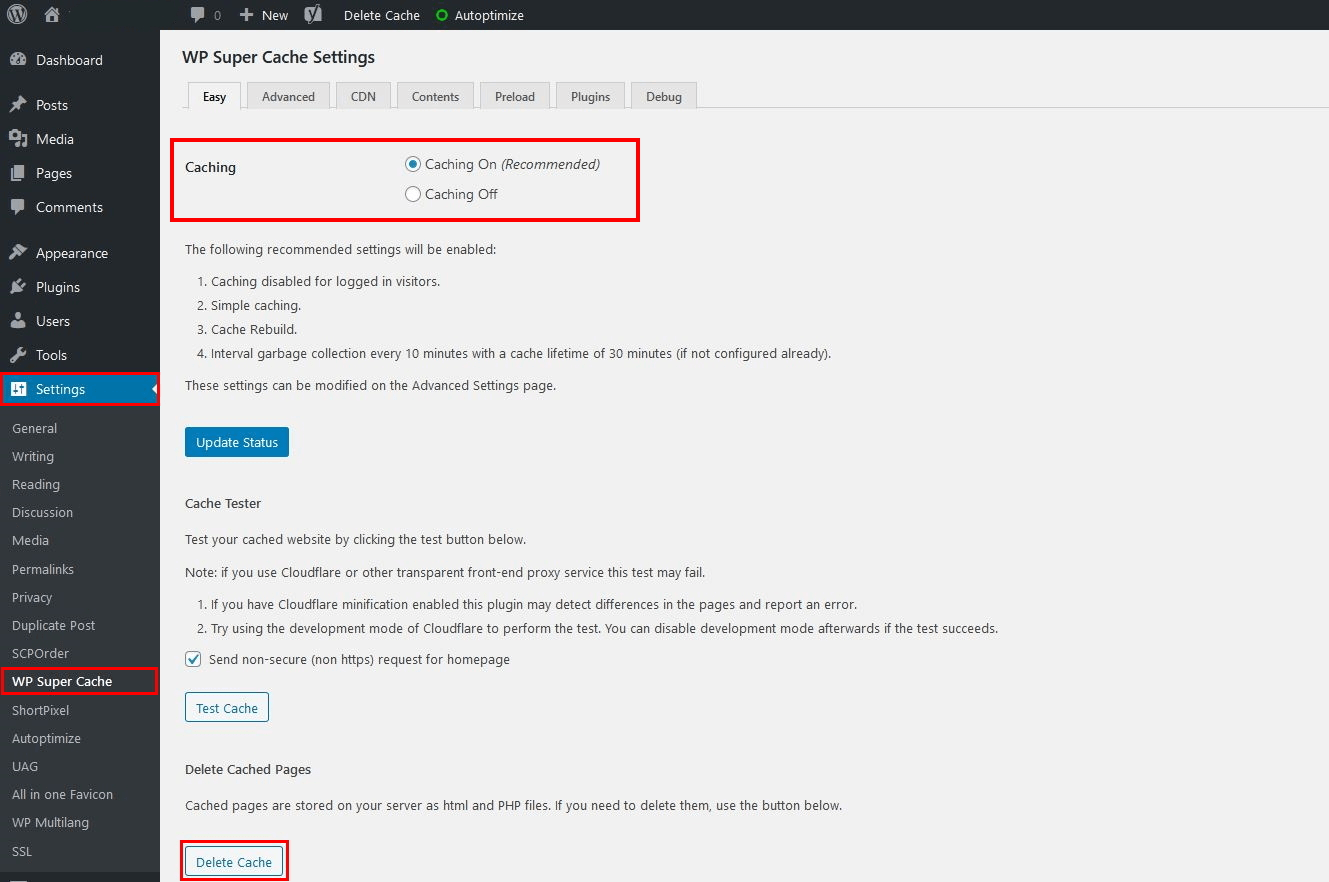
2. Install a Caching Plugin
Caching reduces server load and speeds up page loading.
Popular WordPress caching plugins:
- WP Rocket
- W3 Total Cache
- WP Super Cache
After enabling caching, your website performance improves instantly.
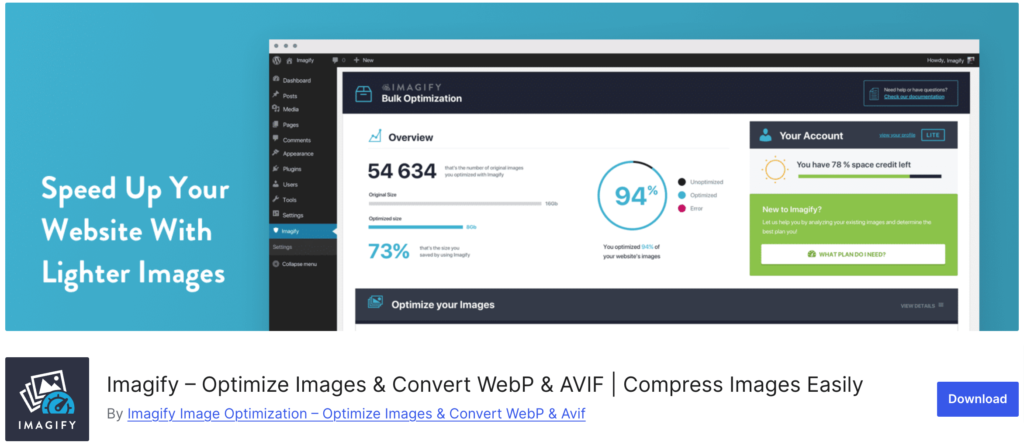
3. Optimize Images Properly
Large images slow down WordPress websites. Therefore, image optimization is very important.
You should:
- Compress images before uploading
- Use WebP format
- Enable lazy loading
Plugins like Smush or ShortPixel can help a lot.
4. Minimize CSS, JavaScript, and HTML
Minification removes unnecessary spaces and code. As a result, files become smaller and load faster.
Most caching plugins include this feature. So, enable it carefully and test your site.
5. Keep Plugins and Themes Updated
Outdated plugins not only slow your website but also create security risks.
👉 To stay safe, read How to Backup a WordPress Website
Always update:
- WordPress core
- Themes
- Plugins
Advanced Speed Optimization Tips

Additionally, you can improve speed by:
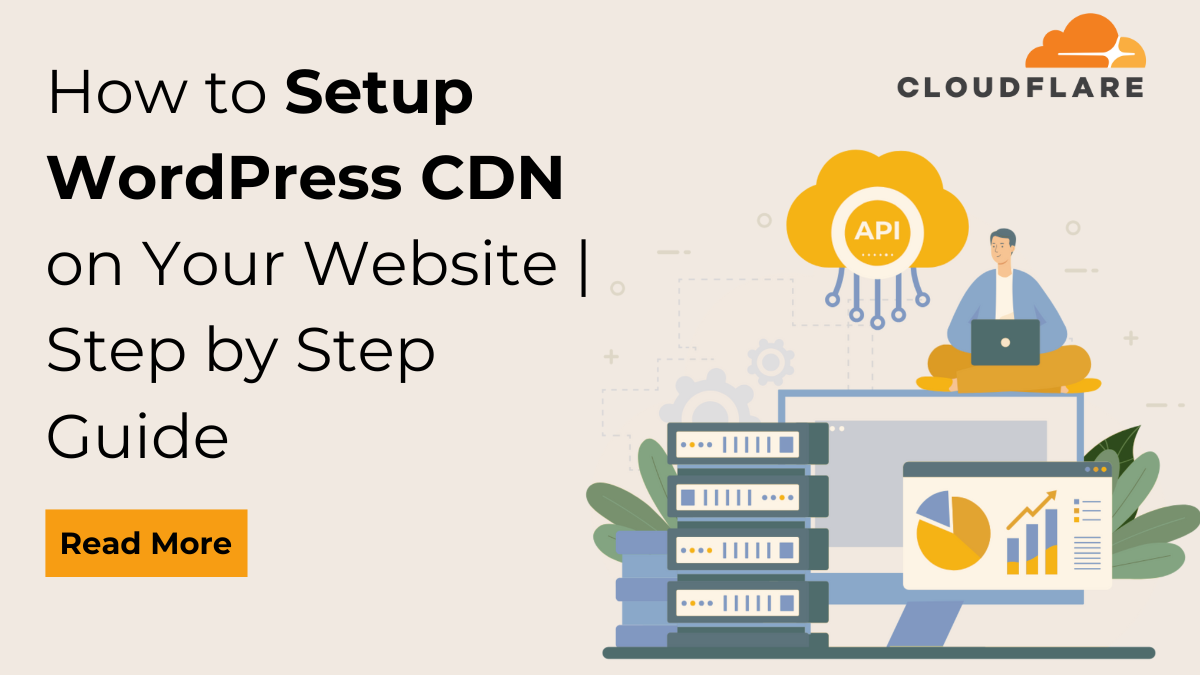
- Using a CDN (Content Delivery Network)
- Cleaning the WordPress database
- Limiting post revisions
- Disabling unused plugins
These steps further boost performance.
How Website Speed Improves SEO
Fast websites perform better in search results. Moreover, users stay longer on fast pages.
Benefits include:
- Higher Google rankings
- Better Core Web Vitals
- Improved user trust
In short, speed optimization directly supports SEO success.
Final Thoughts
Learning how to speed up a WordPress website is essential for growth. While hosting and caching create a strong base, image optimization and regular maintenance make a big difference.
If you want better SEO, happier users, and higher conversions, speed optimization should be a priority.
A really good blog and me back again.